
Text Fonts & Keyboard Emoji1.1.5 - App Store
You'll be able to see results in few seconds.
Publisher Description
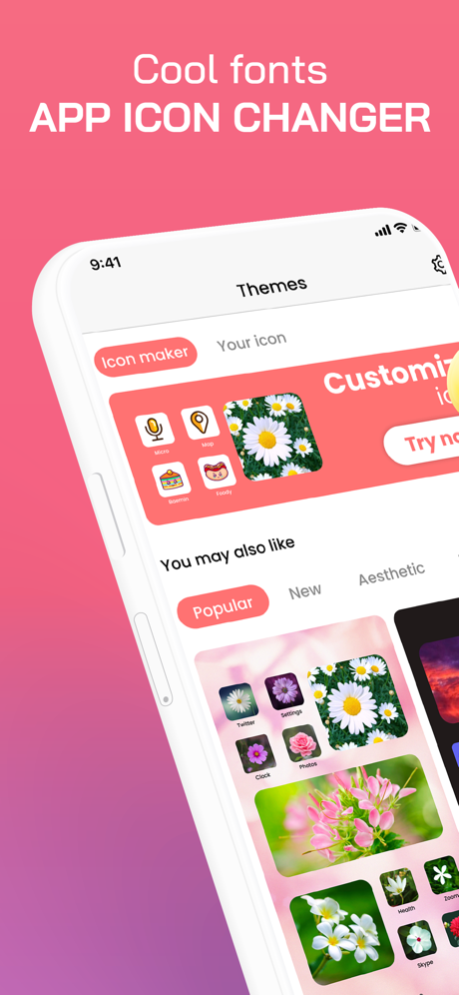
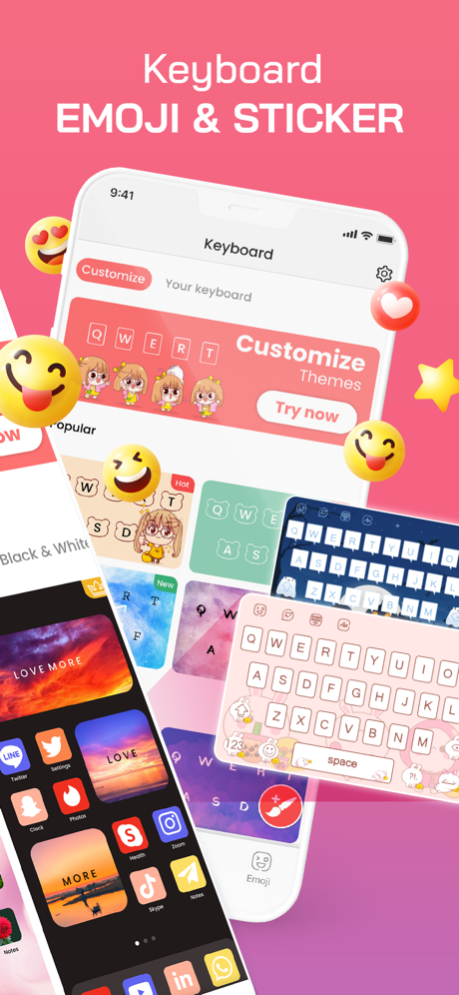
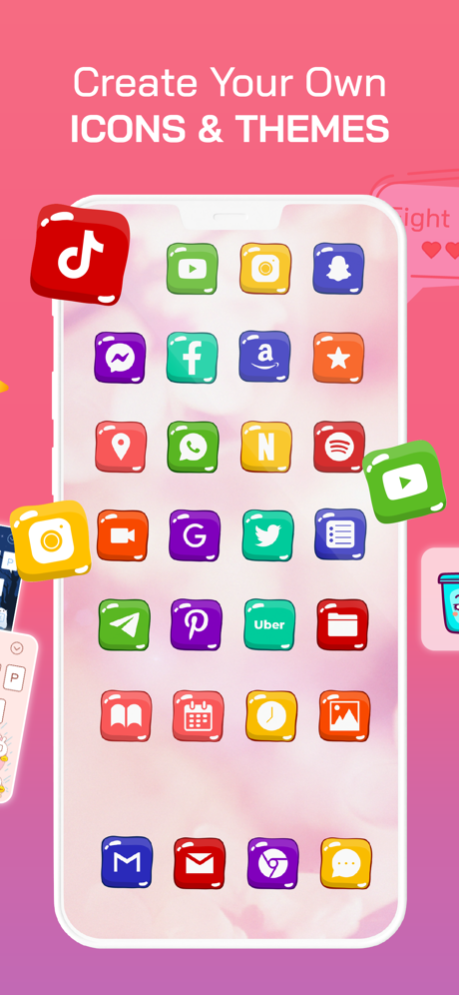
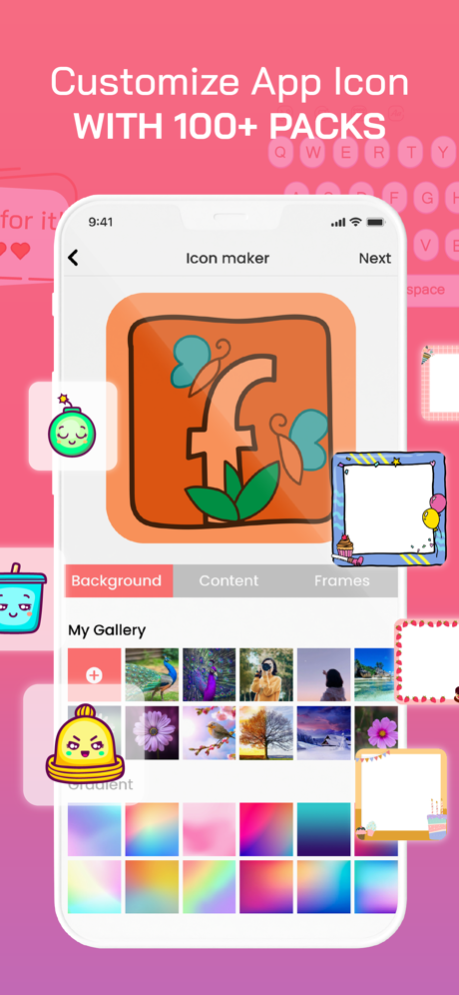
Get creative with our unlimited range of fonts for your keyboard. Perfect for adding personal flair to your texts!
Bored with the default IOS keyboards and app icons? Need something new that have lots of colors, themes, emojis, fancy font fonts, gifs, sticker and bring your unique personal colors? But still need a handy swipe to text, speech to text? Keyboard Emoji: Icon Maker with new design is an amazing application for IOS that has everything you need without being boring. Almost all applications require typing. Almost all applications require typing. You type a message, you post a status, you compose text. Relax your every single moment with a keyboard emoji, cute sticker, and cool font!
▶ App icon changer - Custom app icon
- Hundreds of icon pictures to choose from
- Icons, themes, and wallpapers in different styles, such as fresh, sci-fi, landscape, cute, etc.
- Support uploading pictures from albums as icons
- The operation process is clear and simple
▶ Emoji Keyboard
- Use emoji, GIFs, and stickers to express yourself
- Emoji keyboard is adaptive, learning and predicting your favorite emoticons for any conversation
▶ Custom Keyboard & Photo Keyboard
- 10+ colorful keyboard themes
- Make your own custom keyboard theme with your photo as the background
- Customize your keyboard size, layout, font, sound, and effect
▶ Swipe Keyboard
- Swipe to type or tap to type
- Custom keyboard toolbar with an expandable menu of quick shortcuts
▶ Text Fonts
- More than 100 fonts are available.
- Text size is changeable.
- Text color is changeable.
- Text stroke color and width are changeable.
- Text background color is changeable.
Subscription:
- Yearly trial 3 day = $24.99
- Weekly premium = $3.99
In-App Purchase:
Lifetime = One time payment = $29.99
Your subscription will be charged to your iTunes account at confirmation of purchase and will automatically renew (at the duration selected) unless auto-renew is turned off at least 24 hours before the end of the current period.
The current subscription may not be canceled during the active subscription period; however, you can manage your subscription and/or turn off auto-renewal by visiting your iTunes Account Settings after purchase.
- Privacy policy: https://firebasestorage.googleapis.com/v0/b/fonts-and-widget-ios-73d95.appspot.com/o/Privacy%20Policy_html%20-%20IOS.html?alt=media&token=6f1cc5a4-84f2-416c-87c7-0654e0efc99
- Term of use: https://firebasestorage.googleapis.com/v0/b/fonts-and-widget-ios-73d95.appspot.com/o/Term%20of%20service.html?alt=media&token=be9a30b9-ff6c-486d-a312-1dff1bfb90d0
We are always looking to improve the experience for our users and really appreciate the feedback. If there is anything specific we can look into, please contact us at trustedapp.help@gmail.com. Your kind words encourage us greatly!!
Jun 8, 2023
Version 1.1.5
Fix small bugs
About Text Fonts & Keyboard Emoji
The company that develops Text Fonts & Keyboard Emoji is Apero Technologies Group. The latest version released by its developer is 1.1.5.
To install Text Fonts & Keyboard Emoji on your iOS device, just click the green Continue To App button above to start the installation process. The app is listed on our website since 2023-06-08 and was downloaded 0 times. We have already checked if the download link is safe, however for your own protection we recommend that you scan the downloaded app with your antivirus. Your antivirus may detect the Text Fonts & Keyboard Emoji as malware if the download link is broken.
How to install Text Fonts & Keyboard Emoji on your iOS device:
- Click on the Continue To App button on our website. This will redirect you to the App Store.
- Once the Text Fonts & Keyboard Emoji is shown in the iTunes listing of your iOS device, you can start its download and installation. Tap on the GET button to the right of the app to start downloading it.
- If you are not logged-in the iOS appstore app, you'll be prompted for your your Apple ID and/or password.
- After Text Fonts & Keyboard Emoji is downloaded, you'll see an INSTALL button to the right. Tap on it to start the actual installation of the iOS app.
- Once installation is finished you can tap on the OPEN button to start it. Its icon will also be added to your device home screen.
Program Details
System requirements
Download information
Pricing
Version History
version 1.1.5
posted on 2023-06-08
Jun 8, 2023
Version 1.1.5
Fix small bugs
version 1.1.3
posted on 2023-03-18
Mar 18, 2023
Version 1.1.3
Fix bugs
version 1.1.1
posted on 2022-08-08
Aug 8, 2022 Version 1.1.1
Fix bugs, performance optimization
version 1.0.11
posted on 2022-04-24
Apr 24, 2022 Version 1.0.11
Fix bug and improve performance
Disclaimer
Official App Store Link
We do not host Text Fonts & Keyboard Emoji on our servers. We did not scan it for viruses, adware, spyware or other type of malware. This app is hosted by Apple and passed their terms and conditions to be listed there. We recommend caution when installing it.
The App Store link for Text Fonts & Keyboard Emoji is provided to you by apps112.com without any warranties, representations or guarantees of any kind, so access it at your own risk.
If you have questions regarding this particular app contact the publisher directly. For questions about the functionalities of apps112.com contact us.
